
Without trying to start any more hype for Deno today, I'm just going to show an example of doing a HTTP call with this shiny new tool.
Show me the code
import { soxa } from 'https://deno.land/x/soxa/mod.ts'

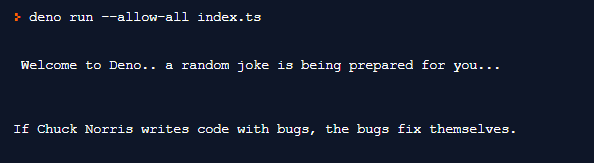
const welcomeText = "Welcome to Deno.. a random joke is being prepared for you...";
console.log(`\n ${welcomeText} \n`);

async function fetchData() {
  try{
    const result = await soxa.get('https://api.icndb.com/jokes/random');
    console.log(`${result.data.value.joke} \n`);
  } catch (err) {
      console.error(err);
  }

}

fetchData();
Sandbox
In the JS ecosystem we have been spoiled with tools where we can try our code straightaway, and you can do this with Deno today using a sandbox:
Repl.it
So just copy-paste the code above in the Repl.it sandbox, click run, and enjoy.
We live some troubled times, so hopefully a Chuck Norris joke will put a smile on your face.
More interesting reads: